Lumen Light Planner
Plan your home lighting in the browser, with path-traced previews
#webGL
Getting light fixtures is a guessing game. Photos show how a lamp looks, not how much light it gives, and you only find out once it's installed.
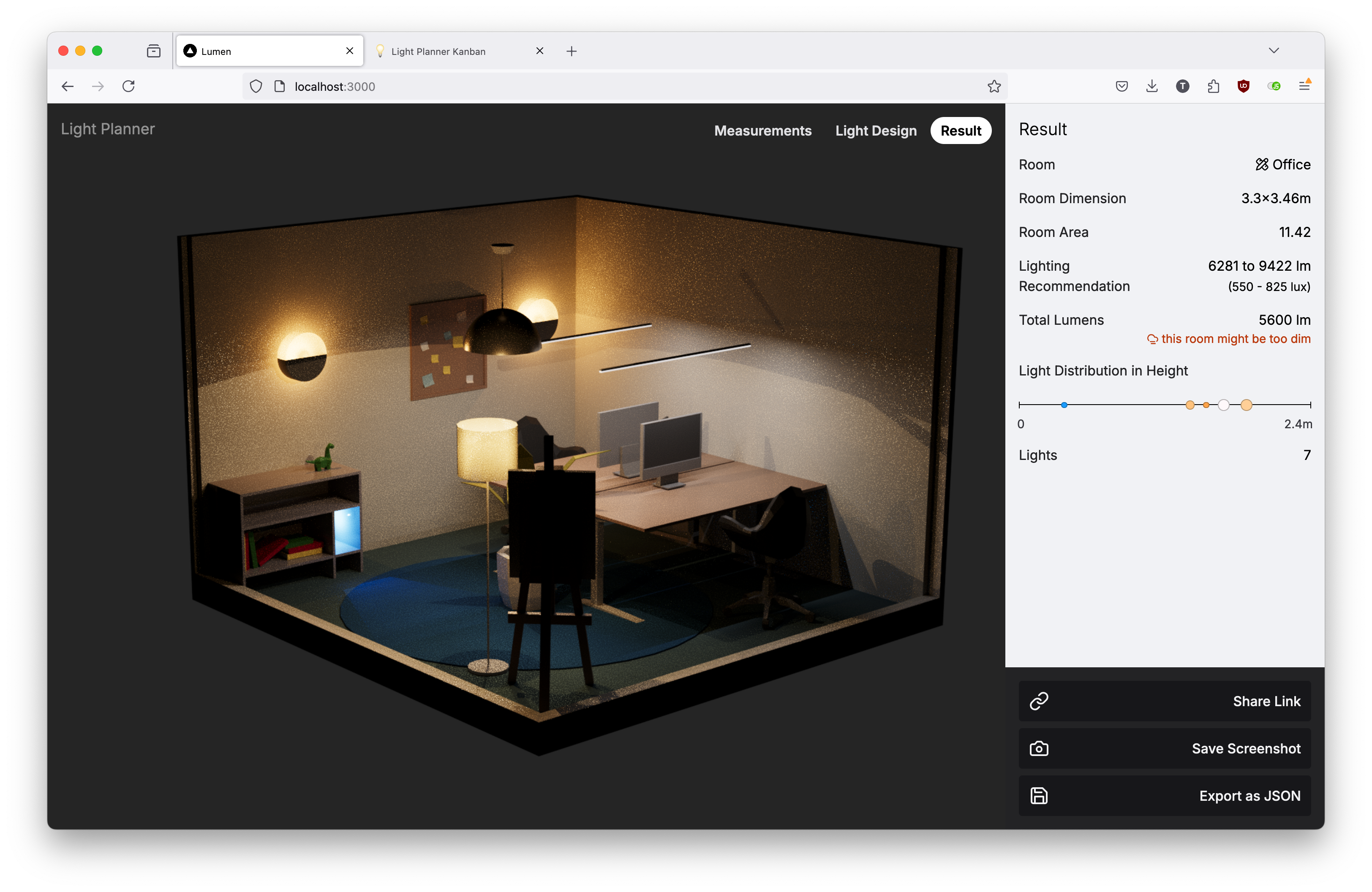
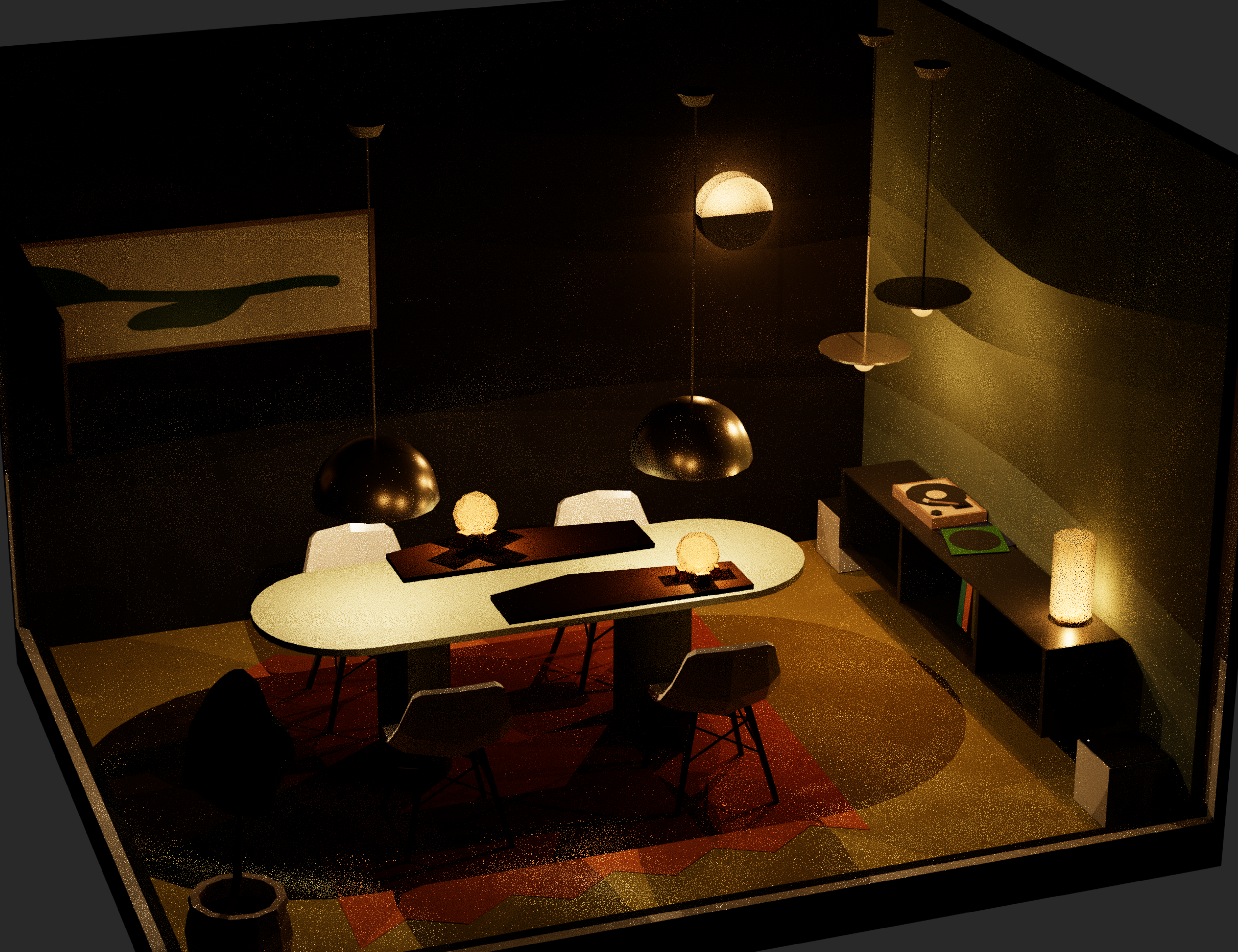
Lumen Light Planner lets you try first. Enter a room's size and type, and Lumen furnishes it for you. Then place lights and see them rendered realistically, right in the browser. Lumen tells you whether the room has enough light and how well the lights are layered.
Designing the App
In mid-July 2024, after installing track lights in my home office, I decided it was time to build a light design app, for myself and for everyone who will someday misjudge how much light their space needs.
I was browsing the new react-three-fiber documentation and found three-gpu-pathtracer. The timing was perfect: ray tracing in the browser had never been easier. It even runs on phones, although Lumen's interface isn't ready for mobile yet.
Rooms that furnish themselves
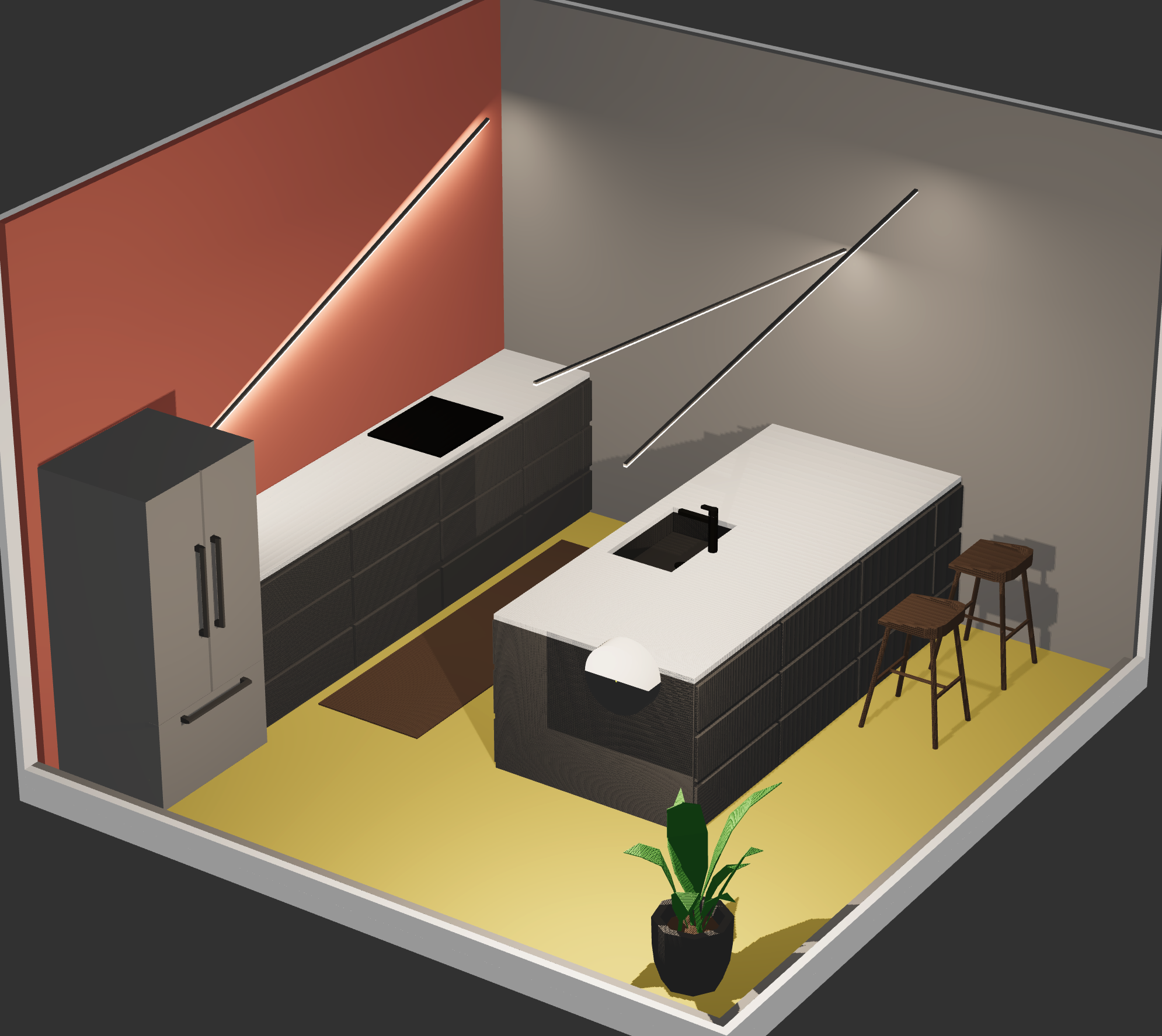
To let users focus on trying different light fixtures, furniture placement is automated. Furniture also defines activity zones, which decide where a room needs more light.
This turned out to be a fun constraint: each room became a responsive design that has to work at any size.
Light fixtures
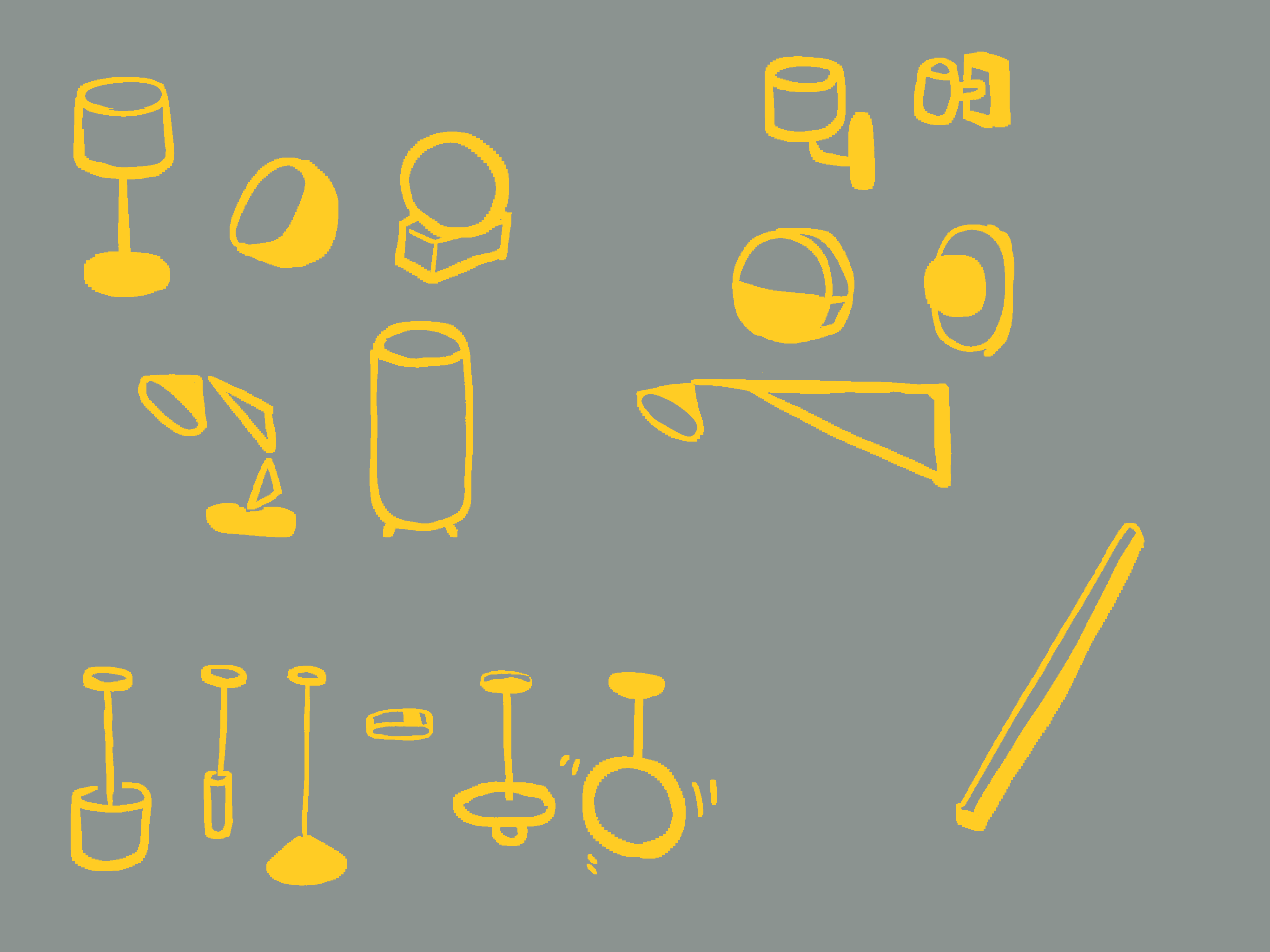
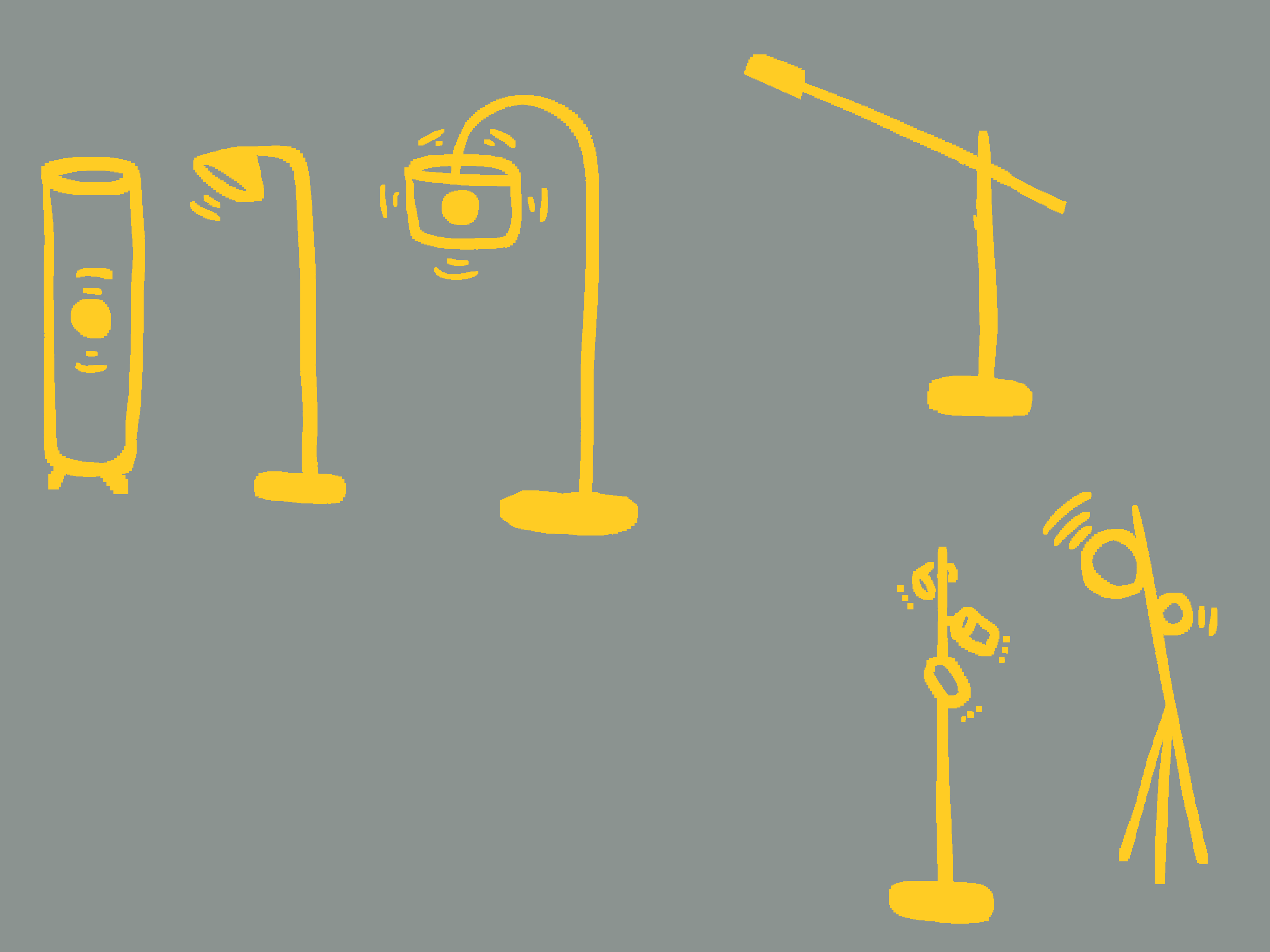
Light fixtures come in five categories: table, floor, wall, ceiling and LED strip. For table, floor and ceiling lamps, I designed five fixtures that represent most of the lights found in homes.
Each category also snaps differently. A floor lamp always sits on the floor and can only rotate around the vertical axis.
What makes a good light plan
Lumen doesn't just render light. It checks the plan against three basic rules of lighting design.
Enough light. Every room type has a recommended light level. Lumen multiplies it by the floor area, adds up the lumens of all the lights, and warns you when the room might be too dim.
Layers. Good lighting mixes lights below, at and above eye level. Lumen plots every light by its height, so you can see at a glance whether the layers are balanced.
Focus areas. Light should land where things happen: the desk, the dining table, the kitchen counter. The furniture marks those zones, and the path-traced preview shows whether they are actually lit.
Building the App
Building the app was as fun as designing it. A few architecture choices worth mentioning:
Data structure
User input is stored in a custom JSON schema rather than the scene graph or a GLTF file. That keeps the design separate from the 3D view, so it can be rendered in other ways, for example as a top-down SVG floor plan. It is also what makes sharing a design as a link and exporting it as JSON possible.
Two Zustand stores
One store holds the user's design, which is persisted. The other holds application state, like what is selected, which is short-lived and doesn't need to survive a reload. Two separate stores need less boilerplate than one store split into slices.
gltf-react-three
The furniture and light fixture models are prepared in Blender. Most of the furniture comes from Mnostva's Low Poly Rooms Interiors 4. Each room is exported as one GLTF file, and gltf-react-three turns it into JSX components. That lets me position each piece of furniture with formulas, which is what makes the rooms responsive.
Where it stands
Lumen works on desktop today. You can design a room, share it as a link, save a screenshot or export it as JSON.
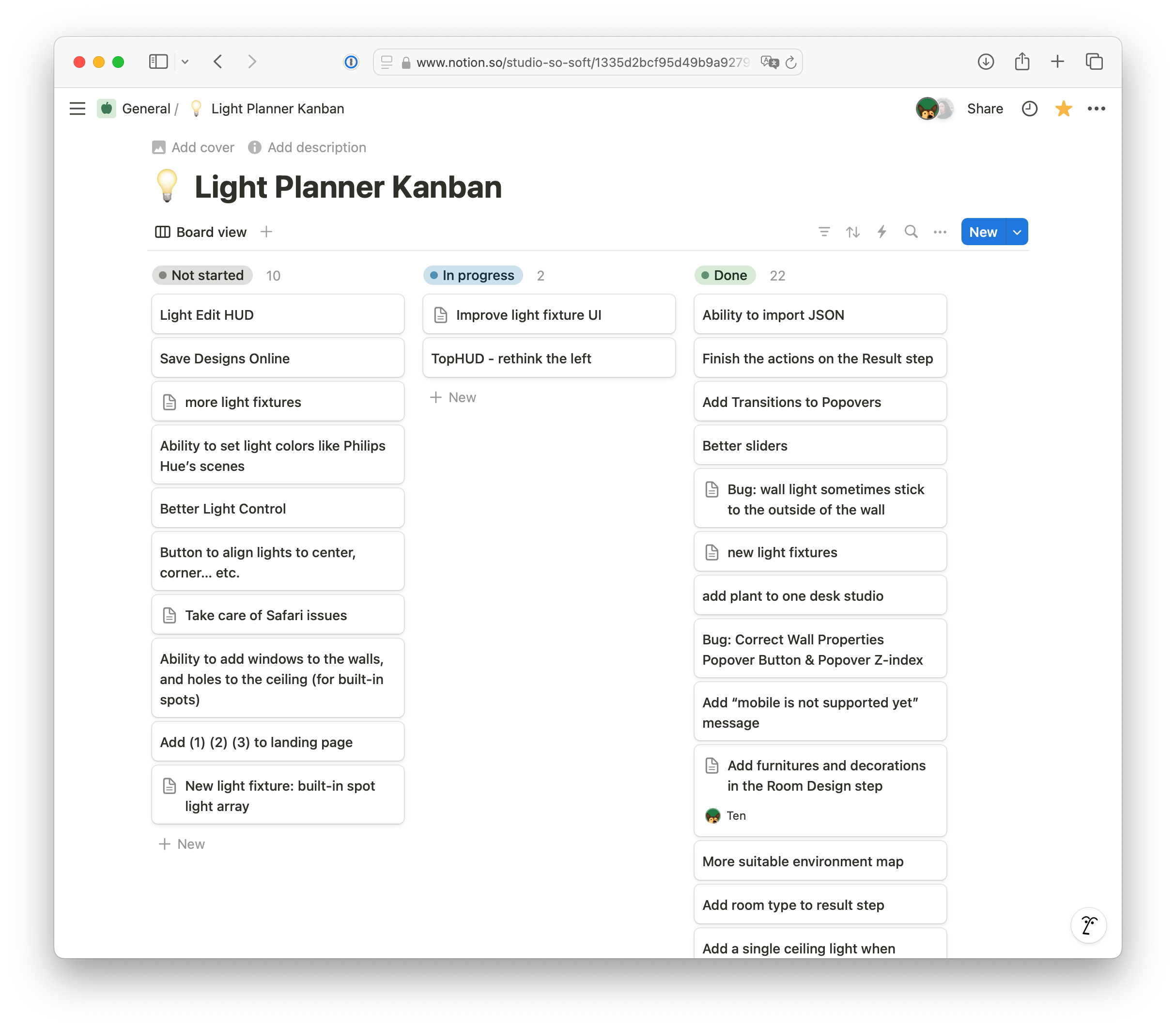
Still on my list: saving designs online, windows in walls and openings in ceilings for built-in spots, more light fixtures, and a mobile interface. Next time I install a light at home, I'll plan it in Lumen first.